
“I lost my seed phrase and my whole identity and everything tied to it was gone, with no one to call for help.” Anyone with a lost seed phrase can say this about a self-custody wallet, and it’s accurate. There’s no help desk, no “forgot my password” link, and no support ticket that restores what the phrase controlled.
That’s the cost of owning your identity outright. A system with no kill switch for anyone else has no reset for you either. This post covers what to do about it: backup habits that survive real accidents, which crypto wallet recovery methods exist today, and which are still proposals. It’s about losing access to yourself. Identity theft is a separate problem, and for that side, read how decentralized identification protects against digital identity theft.
A Lock With No Locksmith
Ryn here. Last time I told you to get your coins off the exchange and into a wallet you control. Good. You listened. Now let’s talk about the part nobody puts on the brochure.
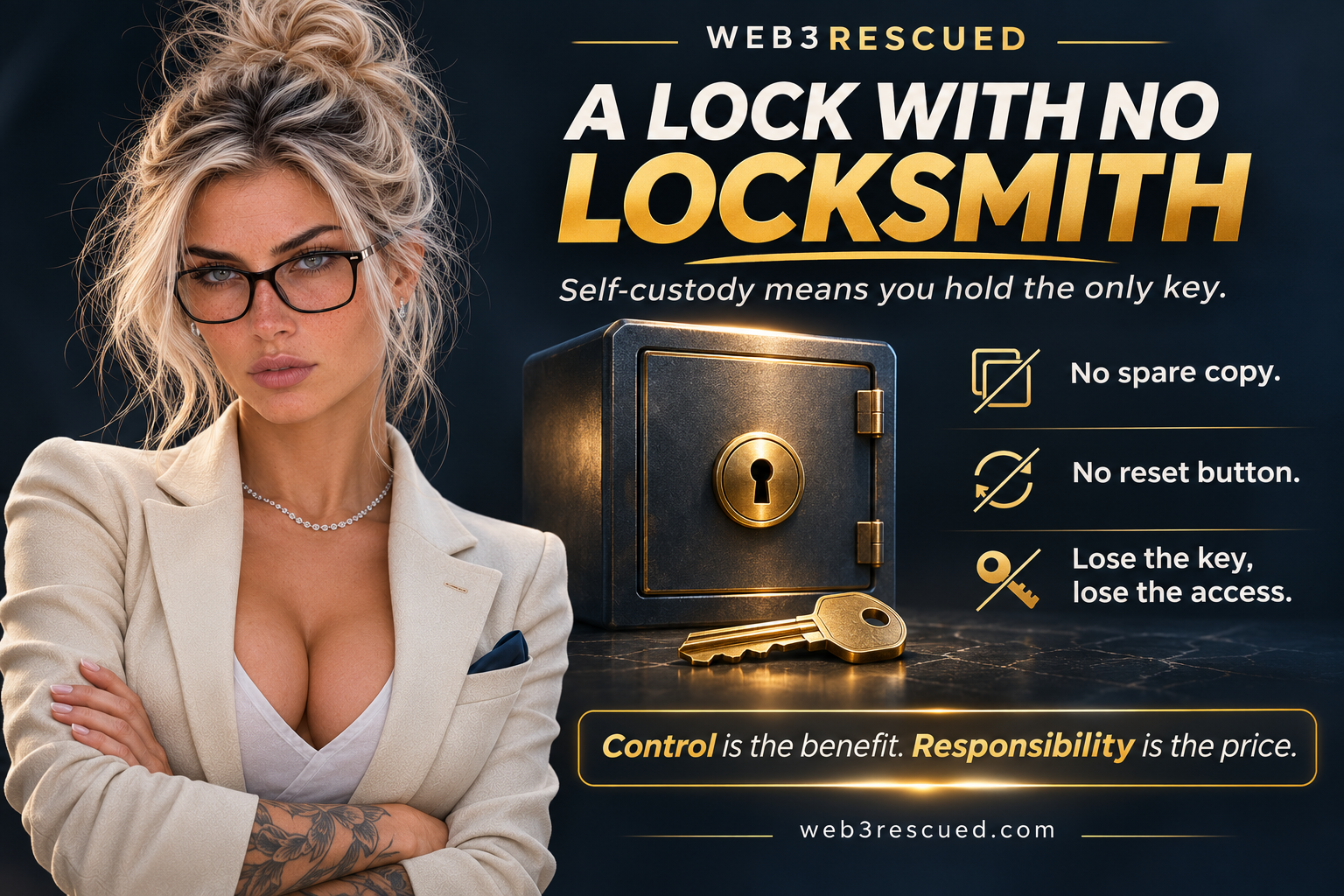
Picture a safe in your house that opens with one key. You hold the only one, and the company that built the safe never kept a copy. That’s the beauty of it. No burglar, no company, and no government office can get in without you. Now picture losing that key. You call the company, and they tell you, politely, that they can’t help, because there’s no copy and no record of how it was cut. Whatever’s inside stays inside for good.
A self-custody wallet works exactly like that safe. Your key is a list of 12 or 24 ordinary words called a seed phrase. Those words generate the codes that prove the wallet is yours, so whoever holds the words owns the wallet. Show them to a stranger, and it’s the stranger’s wallet. Lose them, and it’s nobody’s. A lost seed phrase doesn’t get reset, because there’s nobody on the other end with the power to reset it.
Your bank works the other way around. The bank holds the key, which is why it can reset your password when you forget it. It’s also why it can freeze your account on a Tuesday afternoon without asking you first. Same power, both directions. I’ll take the safe with no locksmith every time, but only because I know where my keys are. Most people don’t, and the ones who learn the hard way usually learn it during a flood, a move, or a funeral.
So below I’ll show you how to back up your seed phrase so it survives real life, which recovery options actually exist today, and which ones are still just promises on a website. None of it is hard, and all of it is easier before you need it.
You are not broken. You are unarmed. Let’s fix that.
Ryn
When One Lost Phrase Takes Your Identity With It
A lost seed phrase used to mean a lost coin balance. As wallets become the login for more things, the loss grows. A wallet can hold your signing key for messages, your access to memberships, your records, and the credentials that prove who you are to a service. When all of that depends on one phrase, losing the phrase loses all of it.
The loss happens in ordinary ways. A phone gets dropped in a lake, a laptop dies, a notebook goes out with a house fire, or a paper backup sits in a drawer through a flood. A phrase typed into a notes app syncs to a cloud account that later gets breached or locked. Most losses are logistics failures, and very few are hacks.
The people around you are part of this too. If you’re the only one who knows a wallet exists, or where its backup lives, your family inherits a locked safe with no key. A self-custody wallet that dies with you is the most common loss nobody talks about.
Why Nobody Can Reset It For You
A reset requires someone with authority over the account. In a password system, that someone is the platform: it checks your email or your answers, decides you’re you, and overwrites the credential. That authority is the same one that lets a platform suspend you, delete you, or hand your data over on request. The reset button and the kill switch are one mechanism.
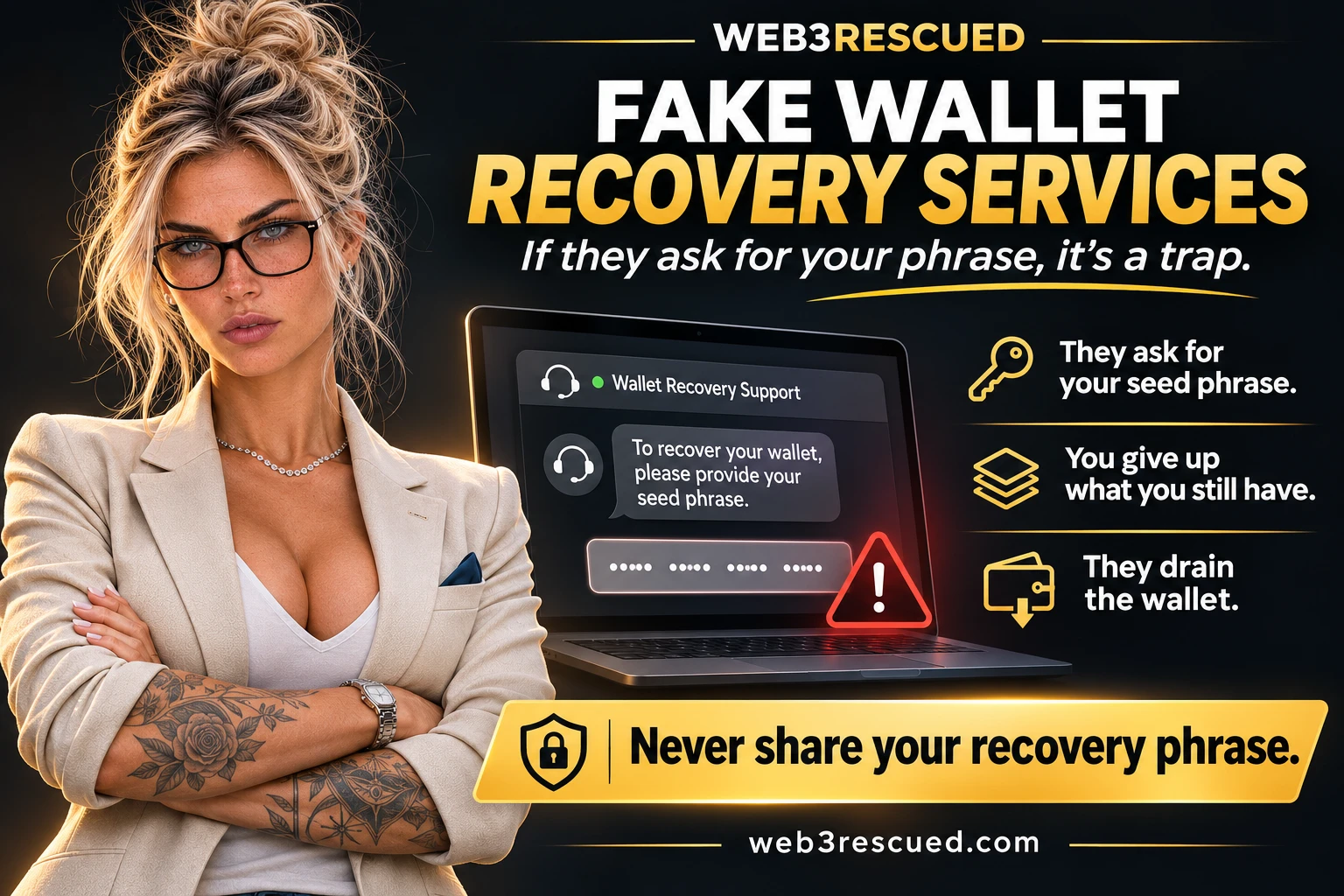
A self-custody wallet removes that authority on purpose. The network only checks whether a valid signature came from the right key. It has no concept of “the person who owns this” apart from that key. A support agent can’t see your account in any meaningful sense, and anyone who claims they can restore it is running a scam. Fake “wallet recovery services” that ask for your phrase are one of the most common ways people lose what they still have.
This is the real trade. You get an identity nobody can revoke, and in return you’re the only recovery system you have. Handing the authority back to a company would bring the kill switch back with it. Build recovery you control instead: copies of the key in places you choose, or shared control that spreads the risk across devices and people you trust.
Backups You Can Survive Losing
A good backup survives the loss of any single thing: your phone, your home, your memory, or one person. These habits do that.
- Write the phrase on paper at setup, numbered and in order. Word order matters, and one misspelled or misordered word makes the backup useless. Check each word against the wallet’s list before you put the pen down.
- Keep two copies in two separate physical places. A home and a safe deposit box, or a home and a trusted relative’s house. A fire, flood, or burglary takes one place, not both.
- Use metal for the copy that has to last. Stamped or engraved steel plates made for seed phrases resist fire and water in a way paper can’t. Independent stress tests by security engineer Jameson Lopp found that solid stamped plates hold up best, while designs that hold loose letters in a frame can fail in a fire. You stamp the plate yourself, at home. If anyone offers to engrave your seed phrase for you, walk away, because the only person who should ever see those words is you.
- Never photograph the phrase or type it into a notes app, email, or cloud drive. Those are online accounts protected by the same password model that breaches expose every week. A phrase stored there is only as safe as the account.
- Keep the phrase separate from the device. A hardware wallet is a safer place to sign transactions, but the device isn’t your backup. The phrase is.
- Tell someone you trust where the backup is, never what it says. Write down where the sealed envelope or plate is and what it opens, and leave the words out. If you’re the only person who knows, your backup dies with you.
- Practice the recovery. Almost nobody does this. One 2026 survey found only 15% of crypto holders had ever tested their recovery. Restore the phrase into a fresh wallet or device holding a small amount, and confirm the same account appears. A backup you’ve never restored is an assumption, and the test takes minutes and catches typos while they cost nothing.
One caution on passphrases. Many wallets offer an extra passphrase on top of the seed phrase, often called a 25th word, which creates a separate hidden wallet. It protects you if someone finds your paper, and it adds a second thing you can lose. A forgotten passphrase is as unrecoverable as a lost seed phrase, so add one only when you have a tested way to keep it. It also answers the burglar problem: if your plate is ever stolen, the thief gets an empty wallet without the passphrase you keep somewhere else.
You’ll lose something eventually, so build a backup that survives one mistake. Some wallets can split a backup into three pieces where any two open the wallet. Store them in places that don’t wander off, like a home safe, a safe deposit box, and a relative’s house, and check once a year that each one is still where you left it.
What Actually Works Today, And What’s Still On Paper
Recovery talk is full of confident promises. Sort what exists from what is only described.
Deployed Today
- Seed phrase backup. The12- or 24-word standard is used across mainstream wallets and works as described above. It’s the baseline.
- Multi-signature wallets. An account needs several keys to sign, for example, any two of three. Lose one key and the other two still control the account. This is in production on Bitcoin and on Ethereum-based wallets.
- Threshold keys on Hedera. Hedera accounts support multi-key structures with a signing threshold, and an account’s key can be changed by a transaction signed with the current key. That’s a documented network feature. It protects you only if you set up the structure before you lose access, because a lost key on a single-key account can’t be replaced.
- Secret splitting. Some hardware wallets, including the Trezor Model T, can split a backup into shares using a scheme called Shamir’s Secret Sharing. A set number of shares rebuilds the secret, and fewer reveal nothing. It ships in specific products and isn’t universal.
- Smart contract wallets with social recovery. On Ethereum, wallets like Argent let you name guardians who can approve a replacement key. They exist, and people use them. Their weakness is that you pick the guardians in advance and trust them to be reachable and honest when the day comes.
- Cloud-synced passkeys. Passkeys replace passwords for many logins, and recovery runs through your Apple, Google, or password manager account. That works, and it also means a company account stands behind the recovery. It’s convenient, and it brings back the dependency this site warns against.
- Keyless (MPC) wallets. Wallets like ZenGo split the key into two shares, one on your phone and one on the company’s servers, so there’s no seed phrase to lose. Recovery uses your email, an encrypted recovery file you store in the cloud, and an optional face scan. It’s easier for most people, and you’re trusting a company, an email account, and a cloud account to be there when you need them.
- Paid recovery services. Ledger Recover, an optional subscription for Ledger devices at $9.99 a month, encrypts your seed, splits it among three companies, and returns it after you pass identity checks. It works, and it means companies hold pieces of your key tied to your ID. That’s the trade this site warns about, and Ledger got real backlash when it announced the service.
Proposals And Prototypes
Recovery schemes built into DID standards, where a group of guardians or institutions approves a new key without breaking the identifier, are described in specifications and tested in prototypes. So is a universal recovery layer that works across every wallet. Treat each one as unfinished until you can install a wallet that does it and read its documented recovery process. A feature on a roadmap doesn’t restore a lost seed phrase.
Where DID Fits And What It Does Not Promise
A decentralized identifier, or DID, is an identifier you control through keys instead of an account a company grants you. Verifiable credentials are signed statements, such as a membership or a qualification, issued to that identifier. If you need the terms, the Glossary of Web3 defines each in plain language.
DID fits the recovery problem in one important way. A well-designed DID lets you rotate the keys behind the identifier. The identifier stays and the key changes, so replacing a compromised or retired key doesn’t erase your history. Hedera has a published DID method, and the MyEarth.ID review looks at one decentralized identity product built there.
Key rotation works only while you still hold a key that can authorize the change, or if you set up guardians or a threshold beforehand. If every key is gone and no recovery was configured, the identifier is permanently unusable. DID doesn’t repair a lost seed phrase after the fact.
DID doesn’t mean anonymity either, and no wallet or DID product guarantees privacy or security. What DID gives you is control: nobody else holds the switch, which is why preparation matters more here than on a platform that can reset your account for you.
Before you trust any wallet or digital ID app, ask it one question: what happens if I lose my phone? If its help pages can’t tell you plainly what you’ll need and who’s involved, it hasn’t solved the problem. Ask what happens if the network itself shuts down, too. It has happened: the Sovrin identity network announced its shutdown in 2024.
Government ID wallets answer the recovery question with a reset button, and the same button can switch you off. That’s a post of its own, and it’s coming next.
Three Steps To Take This Week
- Back up properly today. Write your seed phrase on paper, numbered and verified, and put a second copy in a different location. If you hold anything of value, order a metal plate for the long-term copy and stamp it yourself.
- Test a restore. Install the wallet on a second device or a fresh install, enter the phrase, and confirm your account appears. Fix any typo now, while the stakes are low.
- Add shared control where your wallet supports it. Check whether your wallet offers multi-signature, threshold keys, secret splitting, or social recovery, and read its documentation before you turn it on. Choose guardians and co-signers you can reach years from now, and tell one trusted person where your sealed backup is.
If you already know you won’t stamp plates or test restores, be honest with yourself. A wallet with built-in recovery, like ZenGo or Argent, or keeping only small amounts in self-custody, beats a perfect plan you’ll never carry out.
Get the three steps done this week and you’ll hold something no platform can give or take away: access to your own identity, with a plan for the day you lose a device.
Not sure which wallet fits you? Start with our reviews of the Trezor Model T, Ledger Nano X, Argent, and ZenGo, and pick the recovery style you’ll actually keep up with.
Sources
- Metal Bitcoin Seed Storage Stress Test (Jameson Lopp)
- Metal Bitcoin Seed Storage Stress Tests: Round VI (Jameson Lopp)
- Over one third of U.S. crypto holders have lost access to their wallets (Oobit survey via Agility PR)
- What Is Ledger Recover? (Ledger)
- Zengo Wallet Review (CNC Intel)
- CryptoUpdate: changing an account’s key (Hedera docs)
- Sovrin announces MainNet’s likely shutdown (ID Tech)